- Login to cPanel.
- Locate and click on the "MySQL Databases" icon within the "Databases" category.

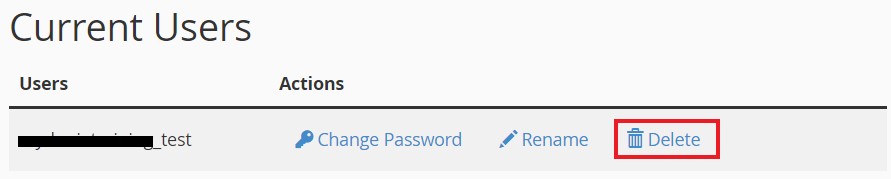
Under the "Current Users" heading, find the user you wish to remove from database and click on the "Delete".
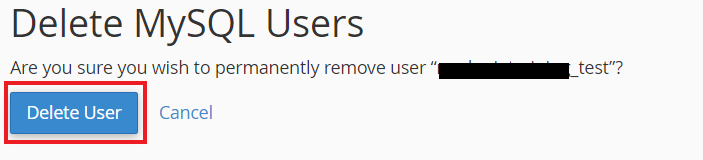
On the next page, click the "Delete User" button to confirm you wish to remove their permissions from the database.