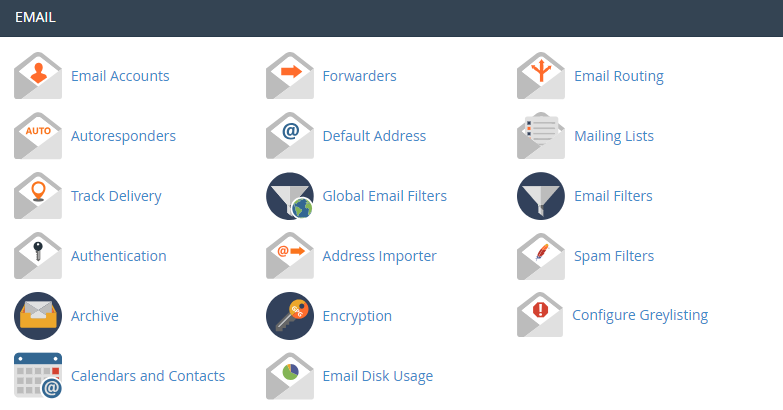
First, you need to login the cPanel page. In the Mail section, click Authentication.
Domain Keys Identified Mail (DKIM)
Enabling DKIM is a means of verifying incoming email in order to prevent incoming spam messages. It ensures that incoming emails are unmodified and are from whom they say they are from..
If want to enable, just click Enable. But if you want to disable, just click Disable.
Sender Policy Framework (SPF)
SPF allow specify which servers and IP addresses are authorized to send email on your behalf. This helps to prevent outgoing spam messages.
If want to enable, just click Enable. But if you want to disable, just click Disable.

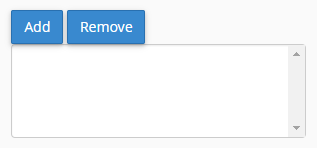
If want to change SPF advanced setting, you can modify its configuration under Advanced Settings. To add or remove additional hosts, servers, IP blocks or include lists to your SPF configuration just click add or remove in the corresponding section.
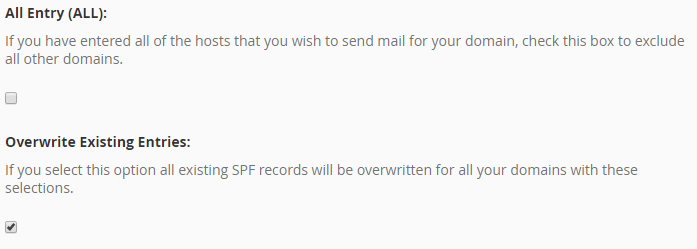
If want to exclude all other domains that are not specifically defined in your configuration, select at the All Entry(ALL).
To overwrite all existing SPF records, select at the Overwrite Existing Entries.
After confirm the changes, click Update and your changes are successfully save.
